Online or onsite, instructor-led live Photoshop training courses demonstrate through interactive discussion and hands-on practice the fundamentals of Photoshop and how to use it.
Photoshop training is available as "online live training" or "onsite live training". Online live training (aka "remote live training") is carried out by way of an interactive, remote desktop. Onsite live Photoshop trainings in Bonn can be carried out locally on customer premises or in NobleProg corporate training centers.
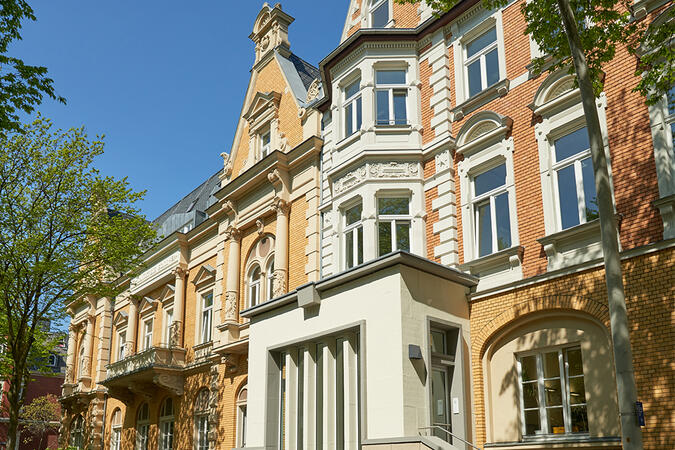
Our training facilities are located at Mozartstraße 4-10 in Bonn. Our spacious training rooms are located southwest of the city centre and offer optimal training conditions for your needs.
Arrival
The NobleProg training facilities are conveniently located near the Bonn main station. In the west you reach the motorway A565.
Parking
You will find numerous parking spaces around our training rooms.
Local Infrastructure
In downtown Bonn you will find numerous hotels and restaurants..
This instructor-led, live training in (online or onsite) is aimed at beginner-level to intermediate-level photo enthusiasts and graphic designers who wish to use Adobe Photoshop Elements to edit and enhance their photos.
By the end of this training, participants will be able to:
Edit and enhance their photos with various tools and functions.
Organize and manage their photo collections with the organizer.
Create and share photo projects such as slideshows, collages, and calendars.
Apply artistic effects and filters to their photos.
Perform basic and advanced photo retouching techniques.
In this instructor-led, live training, participants will learn how to use Adobe Photoshop's photo-enhancement features as they step through a series of hands-on exercises to improve the quality of a set of sample photographs.
By the end of this training, participants will be able to:
Apply Photoshop's photo enhancing features to alter the quality of a photograph
Adjust the sharpness and blur to bring out the key features of a photograph
Change the coloring and facial expressions in photographs
Prepare photographs for printing or development
Audience
Photography beginners and enthusiasts
Format of the course
Part lecture, part discussion, exercises and heavy hands-on practice
principles of creating computer graphics and desktop publishing
ways of defining and working with color
differences between vector and bitmap graphics
ways to customize color photos and graphics
principles of retouching and creating photomontages
create your own illustrations and graphics
entrusted to adapt to the needs of graphic material composition and printing
how the logo and logos
create interesting charts and tables
create business cards and letterhead
creating labels, diplomas, invitations
preparation of leaflets, banners print preparation and billboards
how to format text
creating style sheets and formatting styles
use of additional colors
principles of preparing to print publication
digital printing, offset printing, solvent
Read more...
Last Updated:
Testimonials (1)
Jarek was very, very determined to make me as knowlegable as possible to be able to use those programmes afterwards, even though the time was very limited to be successfull. He not even pushed breaks, so we could squeeze even more knowledge in. Fantastic! Very, very sweet!
Online Adobe Photoshop training in Bonn, Adobe Photoshop training courses in Bonn, Weekend Adobe Photoshop courses in Bonn, Evening Adobe Photoshop training in Bonn, Photoshop instructor-led in Bonn, Photoshop private courses in Bonn, Adobe Photoshop trainer in Bonn, Photoshop on-site in Bonn, Adobe Photoshop instructor-led in Bonn, Adobe Photoshop boot camp in Bonn, Weekend Adobe Photoshop training in Bonn, Evening Adobe Photoshop courses in Bonn, Adobe Photoshop classes in Bonn, Adobe Photoshop coaching in Bonn, Adobe Photoshop one on one training in Bonn, Photoshop instructor in Bonn, Online Adobe Photoshop training in Bonn